Self-initiated · 2026
ReMargin
I wanted a reader where annotations matter as much as the text. Built one.
Readers handle reading, not thinking
Every EPUB reader handles reading. None of them handle thinking. Apple Books locks your notes. Kindle makes export painful. Moon+ Reader buries annotations in settings. I wanted a reader where highlights and margin notes are the point — not a feature hidden behind three taps.
The target user is someone who reads to write: researchers, PhD students, Zettelkasten practitioners. People who need their annotations to leave the app.
The margin note
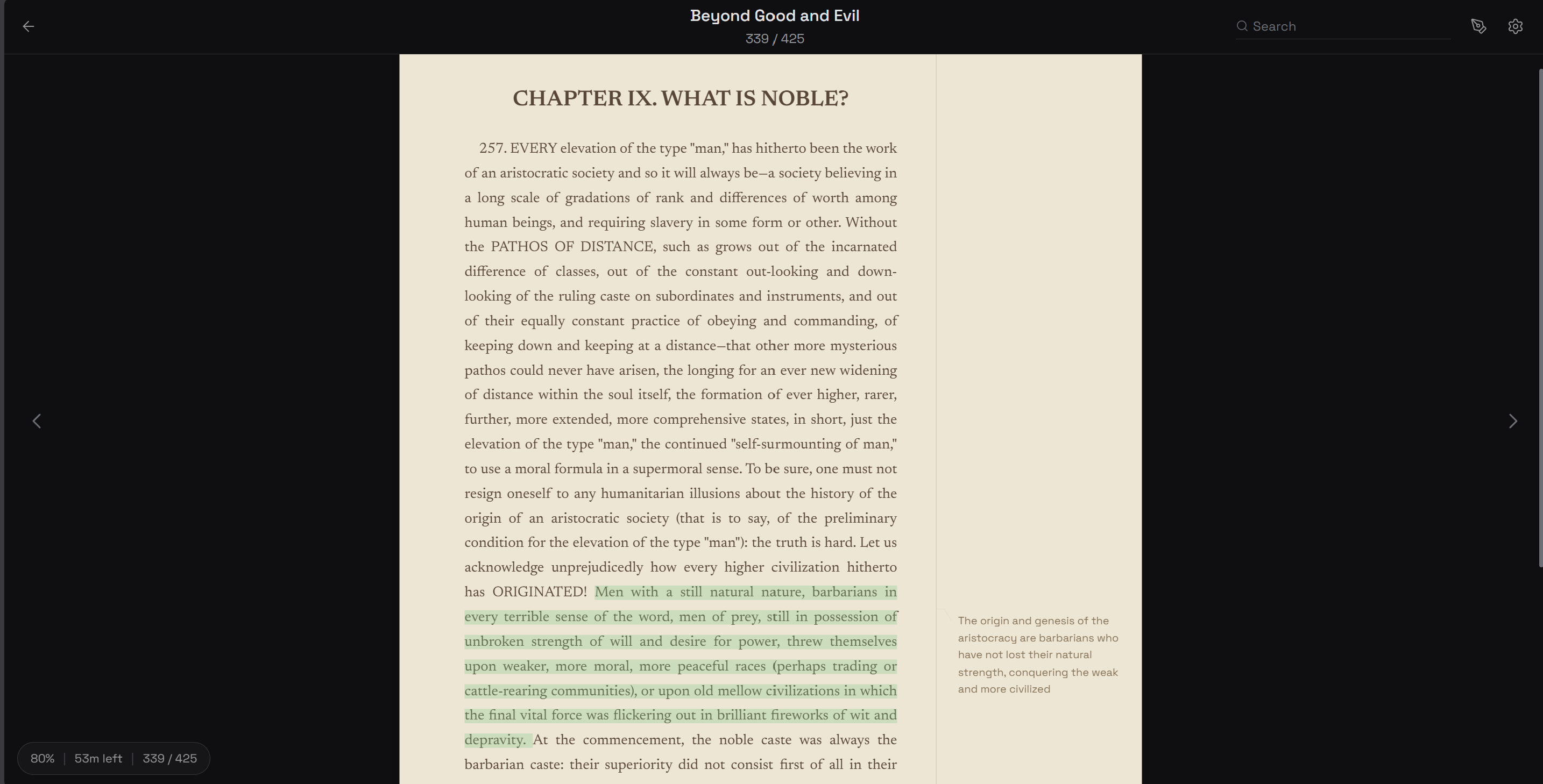
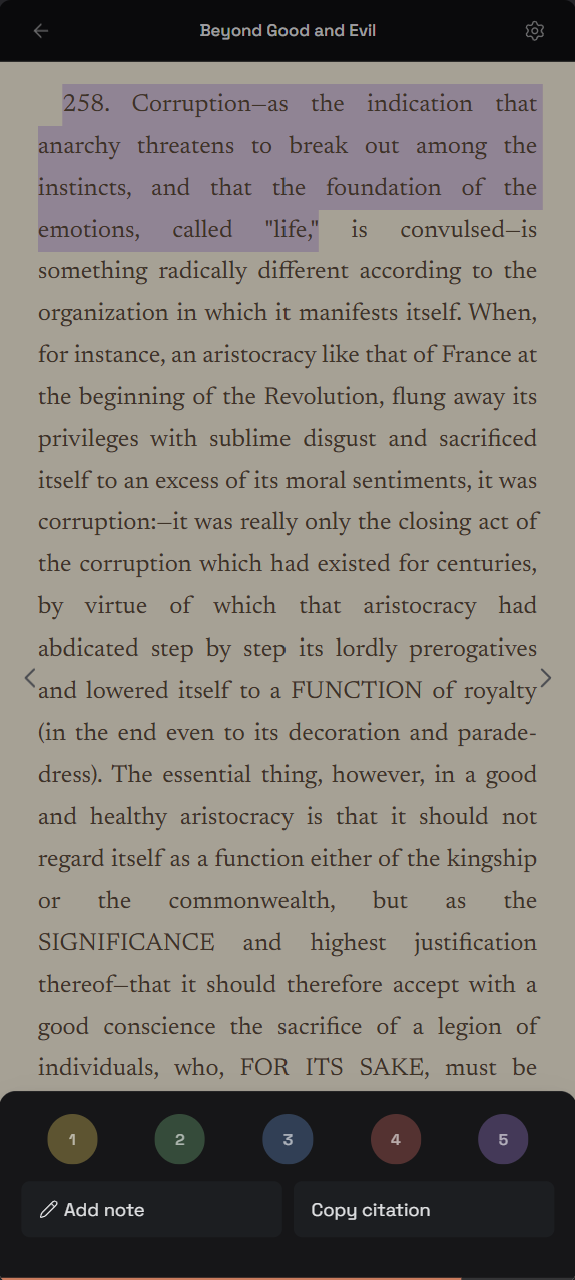
The margin note. Not in a sidebar, not in a popup — on the page margin, connected to the highlighted text with a line. Like handwriting in a physical book. Desktop only: on mobile, the margin collapses and notes live in a bottom sheet.
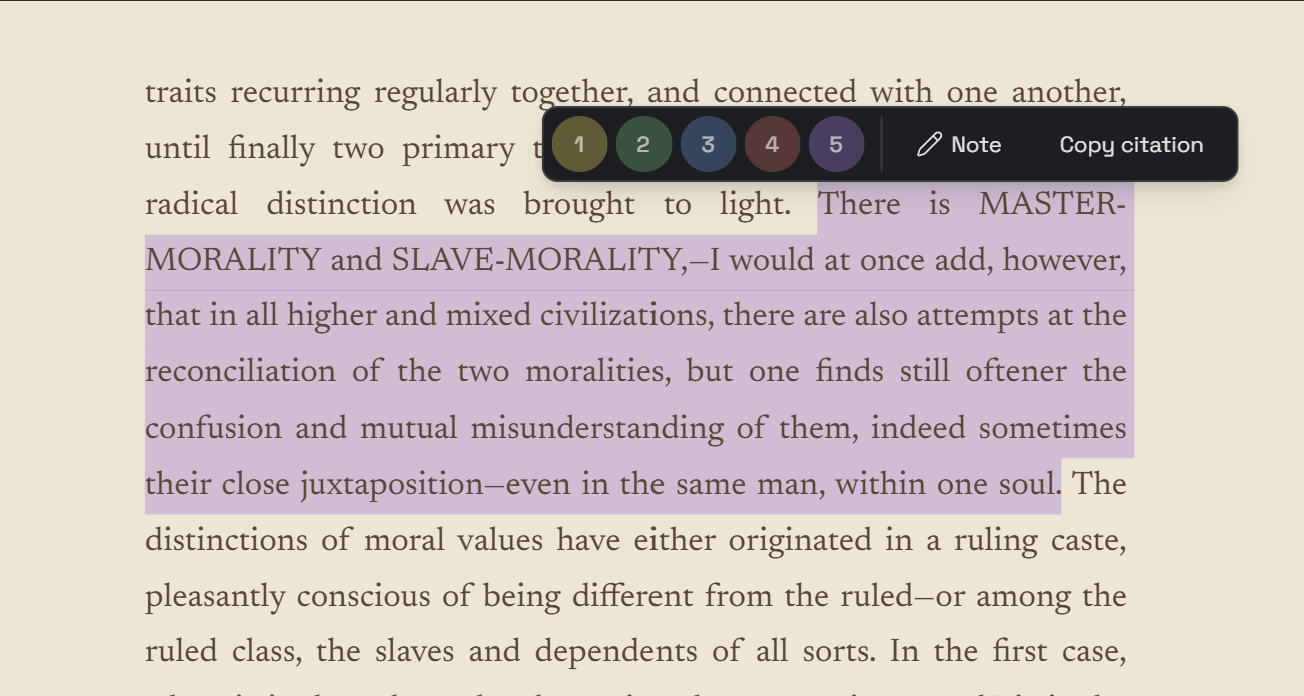
Five highlight colors with keyboard shortcuts 1–5. No menu hunting. Select text, press a number. Done.
Export shaped everything
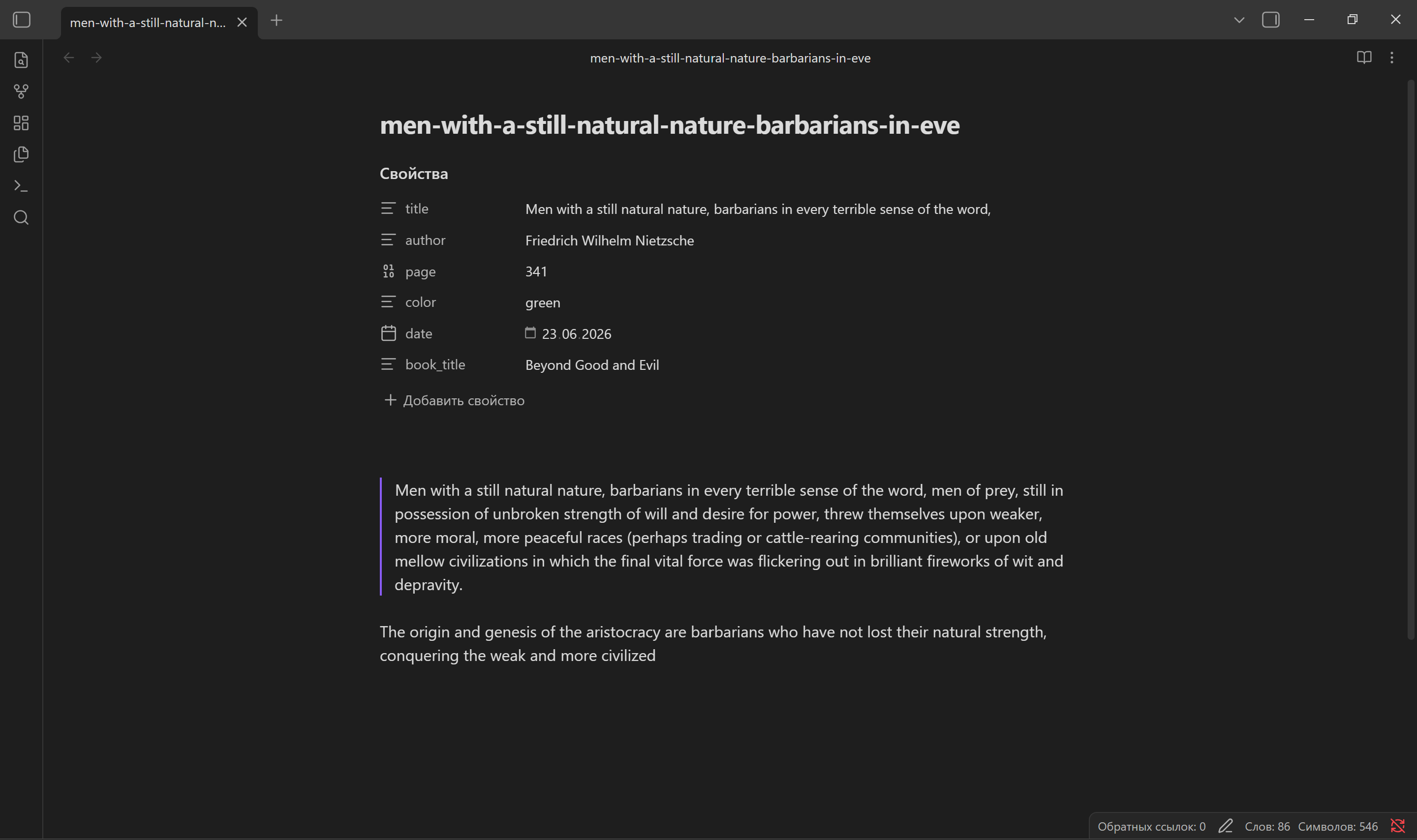
Every annotation exports as a standalone Markdown file with YAML frontmatter: book title, author, page number, color, date. Per-book zip, all-books zip. Drag into Obsidian — it just works.
This was the product requirement that shaped everything else. If export is the primary output, then every annotation needs to carry enough metadata to be useful outside the app.
Library as knowledge dashboard
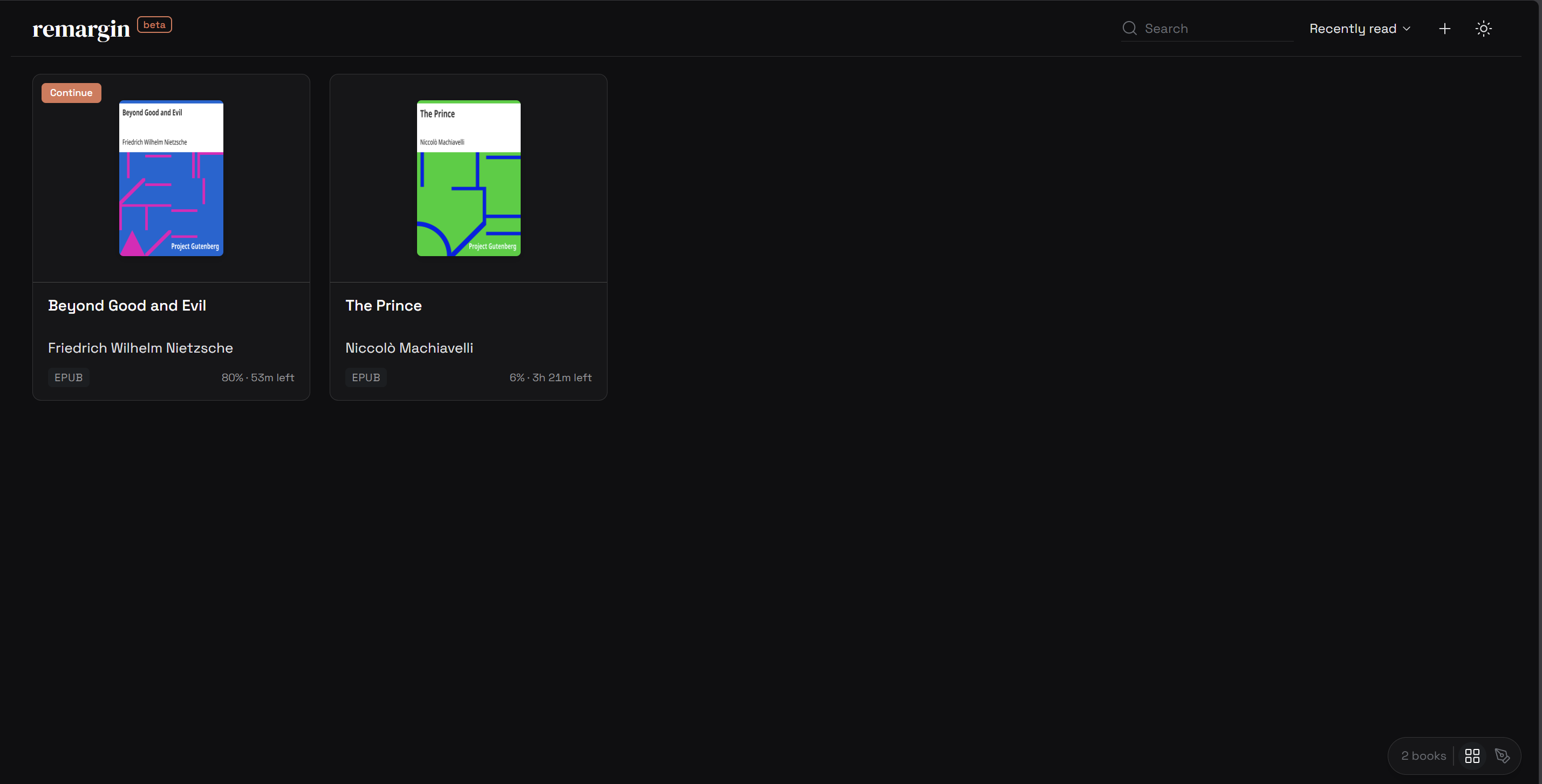
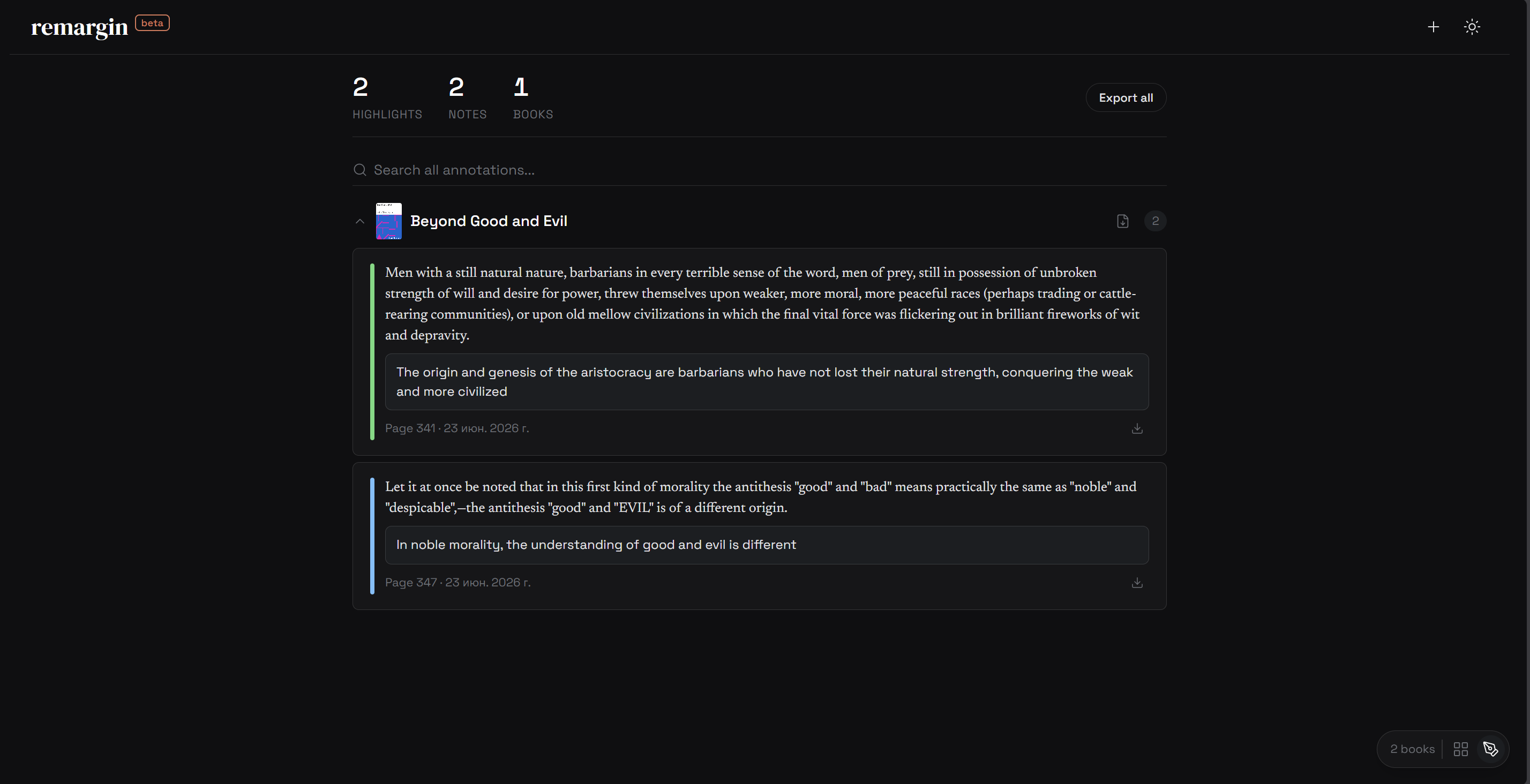
Two views: Grid (book cards with covers) and Notes (cross-book annotation feed). The Notes view shows all highlights across all books, grouped by source, with inline editing and search.
Technical decisions
Local-first. IndexedDB for files, localStorage for metadata. No server, no auth. All data stays on the device.
epub.js. rendition.on(‘selected’) fires 1 out of 20 times under rapid selection. The fix: bypass epub.js events, listen on the iframe document directly, convert ranges to CFI manually.
Typography. Space Grotesk for UI, Newsreader for the reading surface, DM Serif Display for the logo.
AI-assisted engineering. Built with Claude Code as the primary coding tool. My role: product decisions, design direction, architecture, prompts, QA. Claude Code: implementation, debugging, iteration. This workflow let me ship a full product solo in 10 days — something that would otherwise require a small team.
Tokens, not magic numbers
Every color, radius, spacing value, and font-size in the codebase resolves to a CSS custom property. Two themes (dark with warm cream light), three type families, a 4px spacing grid, and five highlight colors — all tokenized and used consistently across 8 component stylesheets.
The thread on which our thoughts are strung passes through.
The thread on which our thoughts are strung passes through.
The thread on which our thoughts are strung passes through.
Result
Solo build — design, engineering, deployment. PWA installable. Two demo books seeded on first visit (public domain from Project Gutenberg).
More case studies
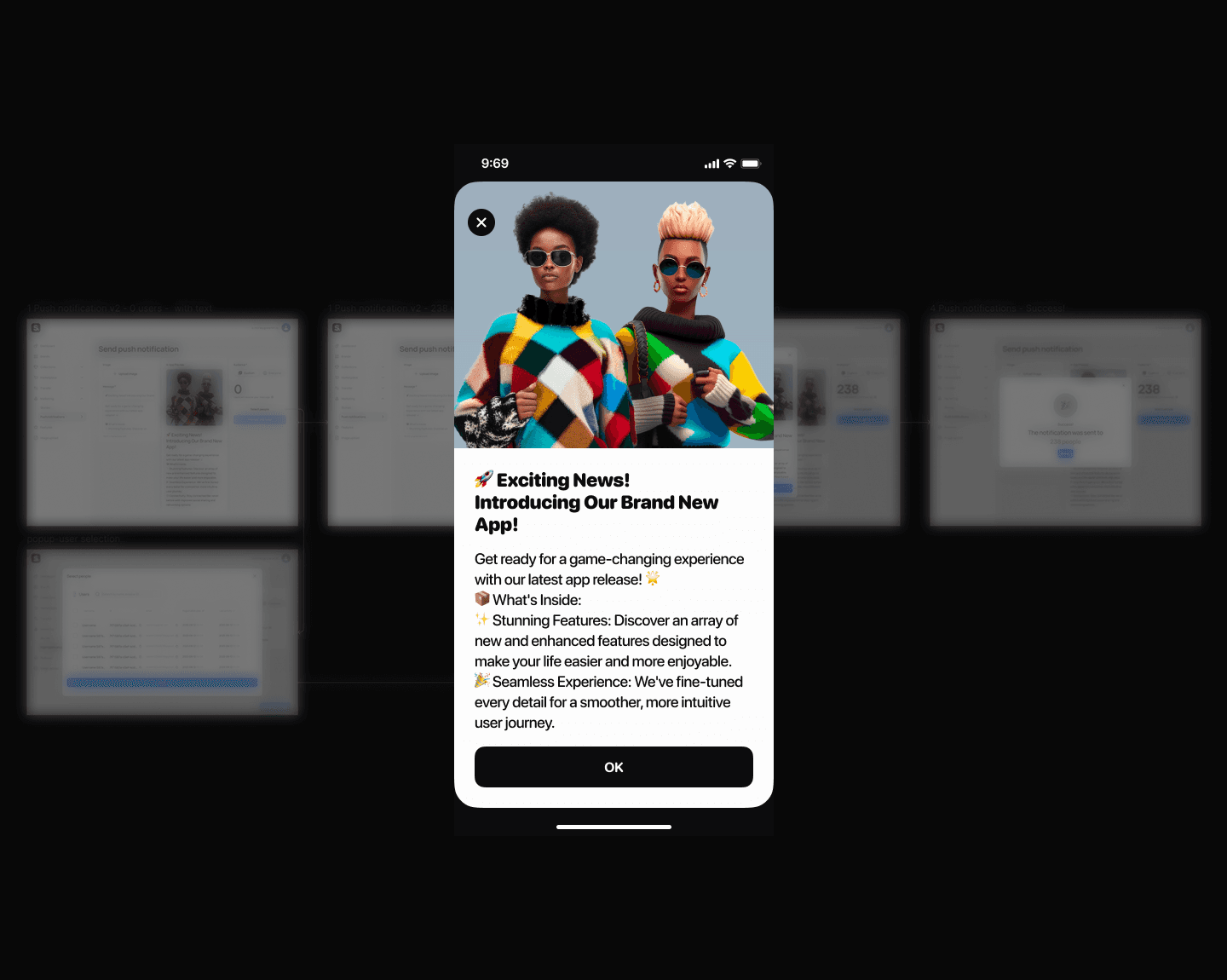
Push Notifications
How to kill the send button nobody wanted to press
Stories Editor
How I eliminated a 2-day content publishing bottleneck
Educational Platform Redesign
Users couldn’t explain what a single menu item meant
My Sleeping Gypsy
How to sell heritage craftsmanship without looking like fast fashion

Multi-Agent AI Workflow
I built a 10× prototyping workflow using AI agents — and what it taught me about product design
3D Museum Puzzle
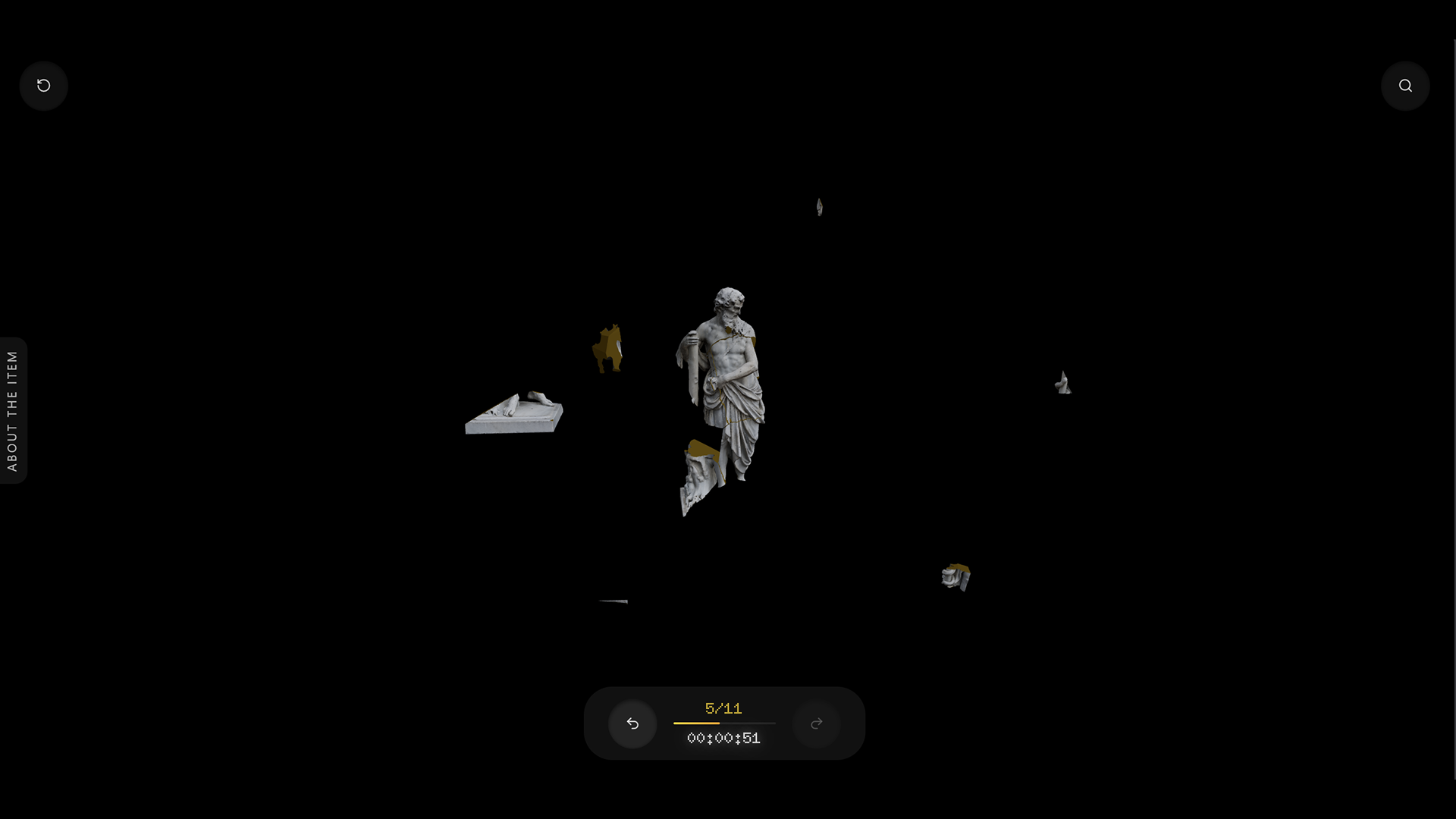
Applied to a casual game studio, got rejected, built a working 3D puzzle prototype instead.