Self-initiated · 2025
3D Museum Puzzle
Applied to a casual game studio, got rejected, built a working 3D puzzle prototype instead.
Design Engineer
Self-initiated prototype
2025
- 3D interaction design
- Real-time WebGL
- Asset pipeline
Context
Applied for a product design role at a casual game studio. Color-by-number app, ad-monetized. They said UX was solid but they needed a UI artist. Didn’t get the offer.
I wanted to see if I could build a more mechanically complex prototype from scratch — concept through deployment. Picked 3D puzzles: spatial reasoning, physics-adjacent interaction, and a content pipeline I could source for free.
Content sourcing
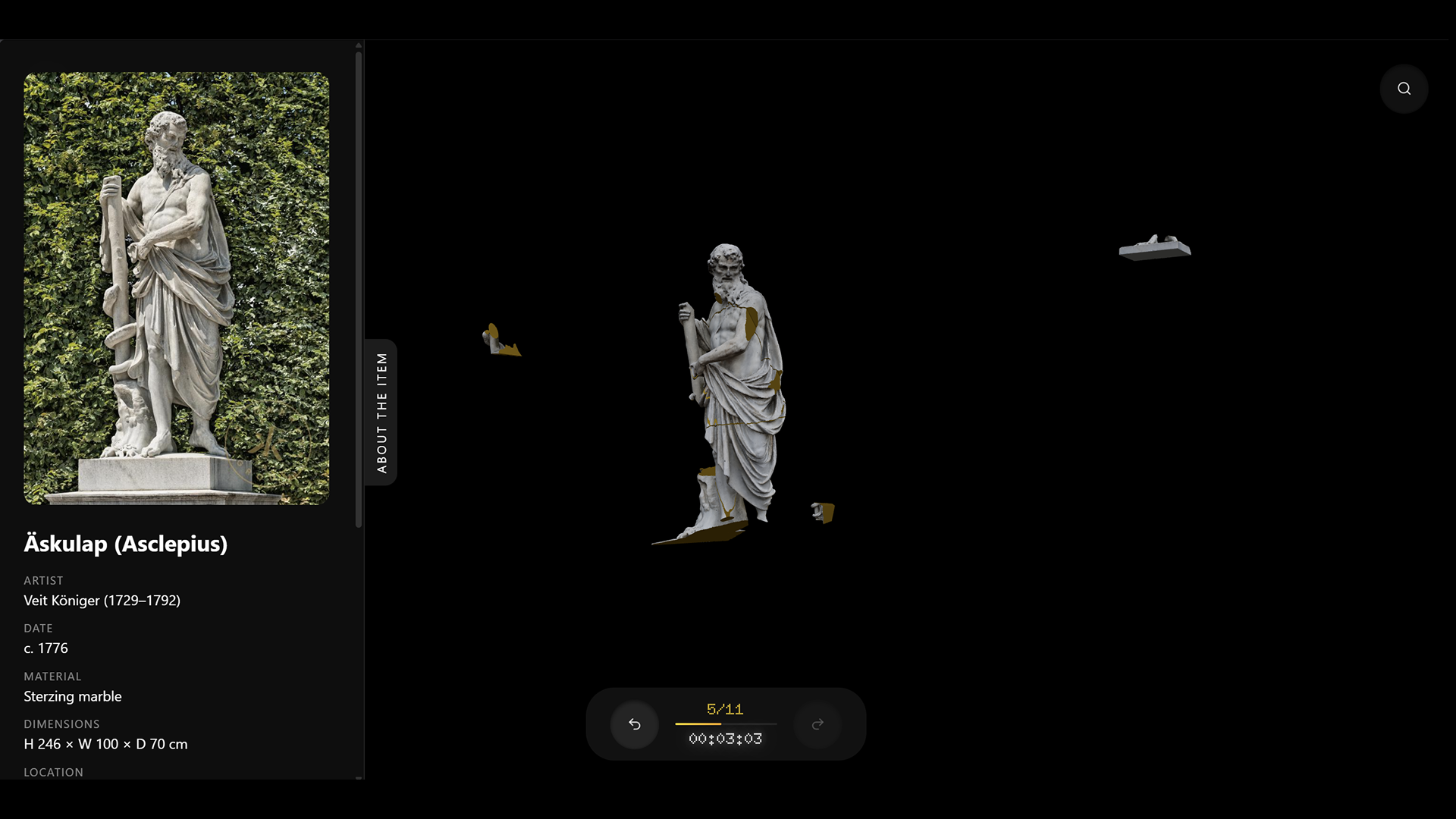
Museums have been releasing photogrammetry scans of their collections. I took a scan of Äskulap by Veit Königer (c. 1776, Schönbrunn Palace, Vienna), fragmented it in Blender into 11 pieces, and exported as GLB.
The app includes an info panel that links to the original eMuseum Schönbrunn record — artist, date, material, provenance.
Snap logic
Standard approach: each fragment has a fixed target position in world space. Drag close enough, it snaps to that position. Problem — the player has to guess the absolute location, which feels arbitrary in 3D.
I used relative snapping instead. A fragment snaps when it’s close enough to a neighbor that’s already placed. Target position = neighbor’s current position + the offset between their original positions. The player doesn’t need to find the right spot in space — just bring two related pieces near each other.
Snapped pairs form a group. Groups move together. When a fragment bridges two groups, they merge. This came from the adjacency map built at load time from original mesh positions (threshold 1.5 units).
Highlight
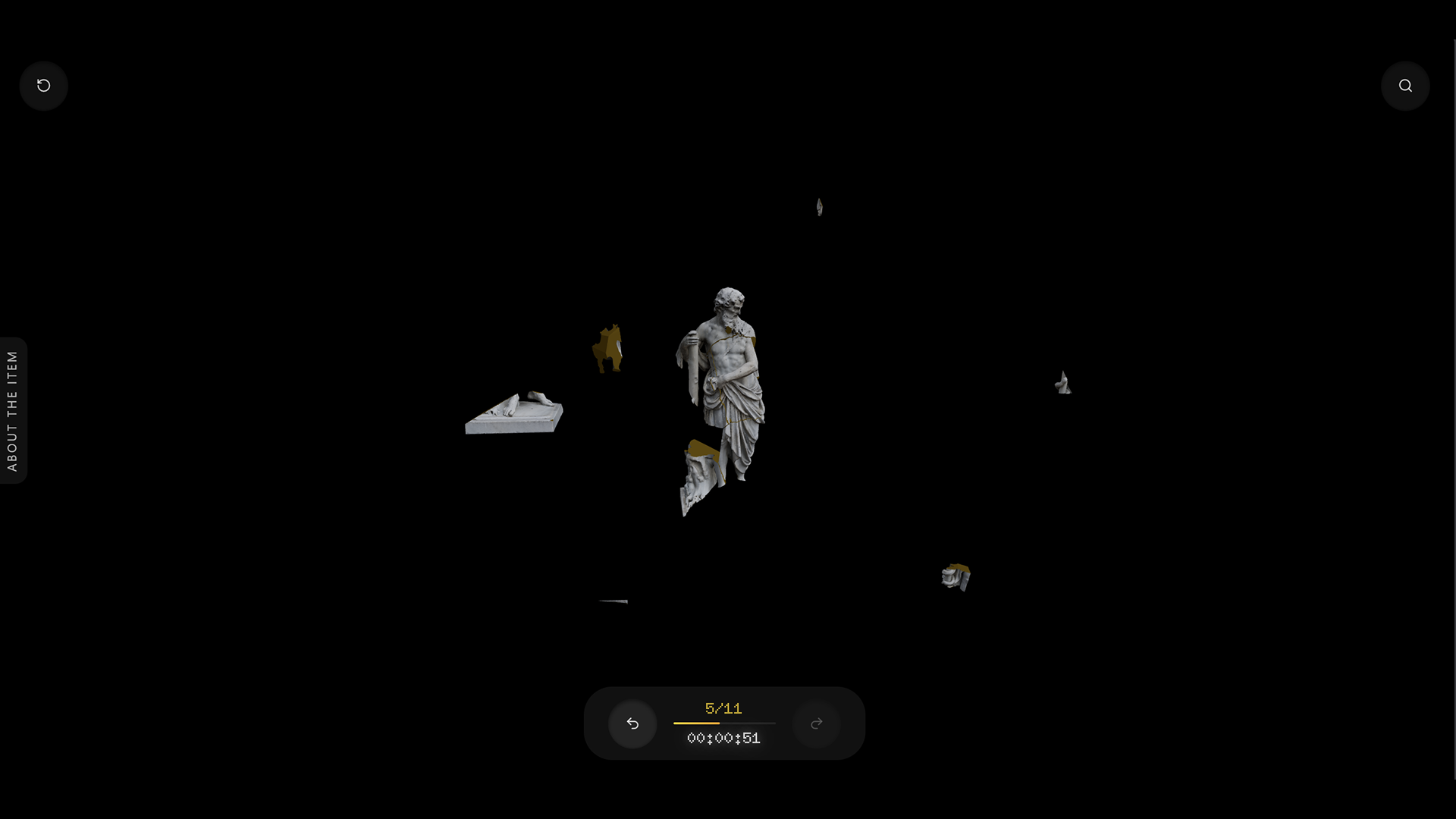
With 11 fragments scattered on a sphere, small pieces get lost. The search button re-scatters unplaced singles to new Fibonacci sphere positions and adds a temporary halo.
The halo is a procedural CanvasTexture (512×512, pow falloff with alpha dither to avoid 8-bit banding), rendered as an additive-blended sprite. It fades over 4.5 seconds. Groups are left in place — only singles move.
UI
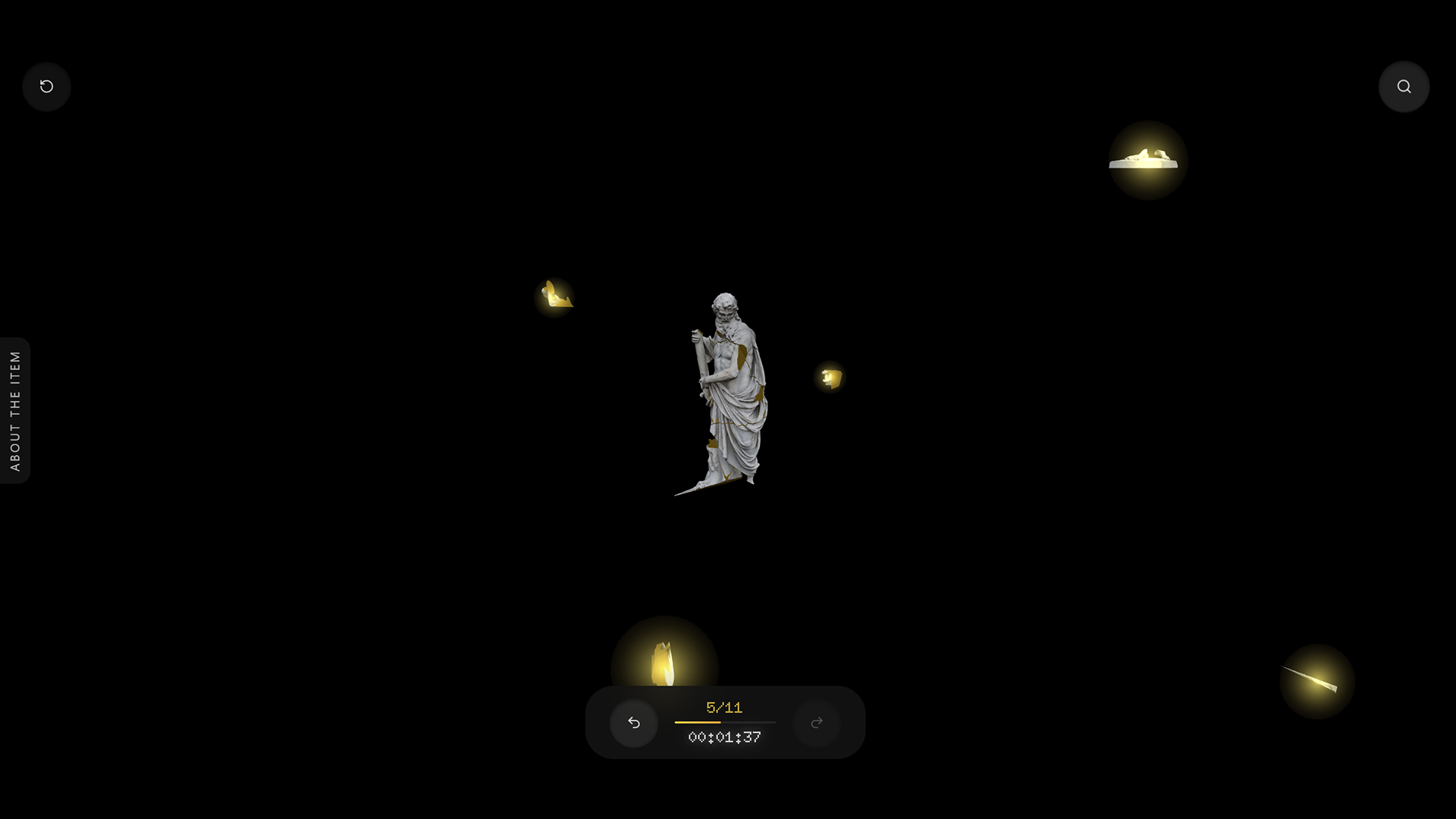
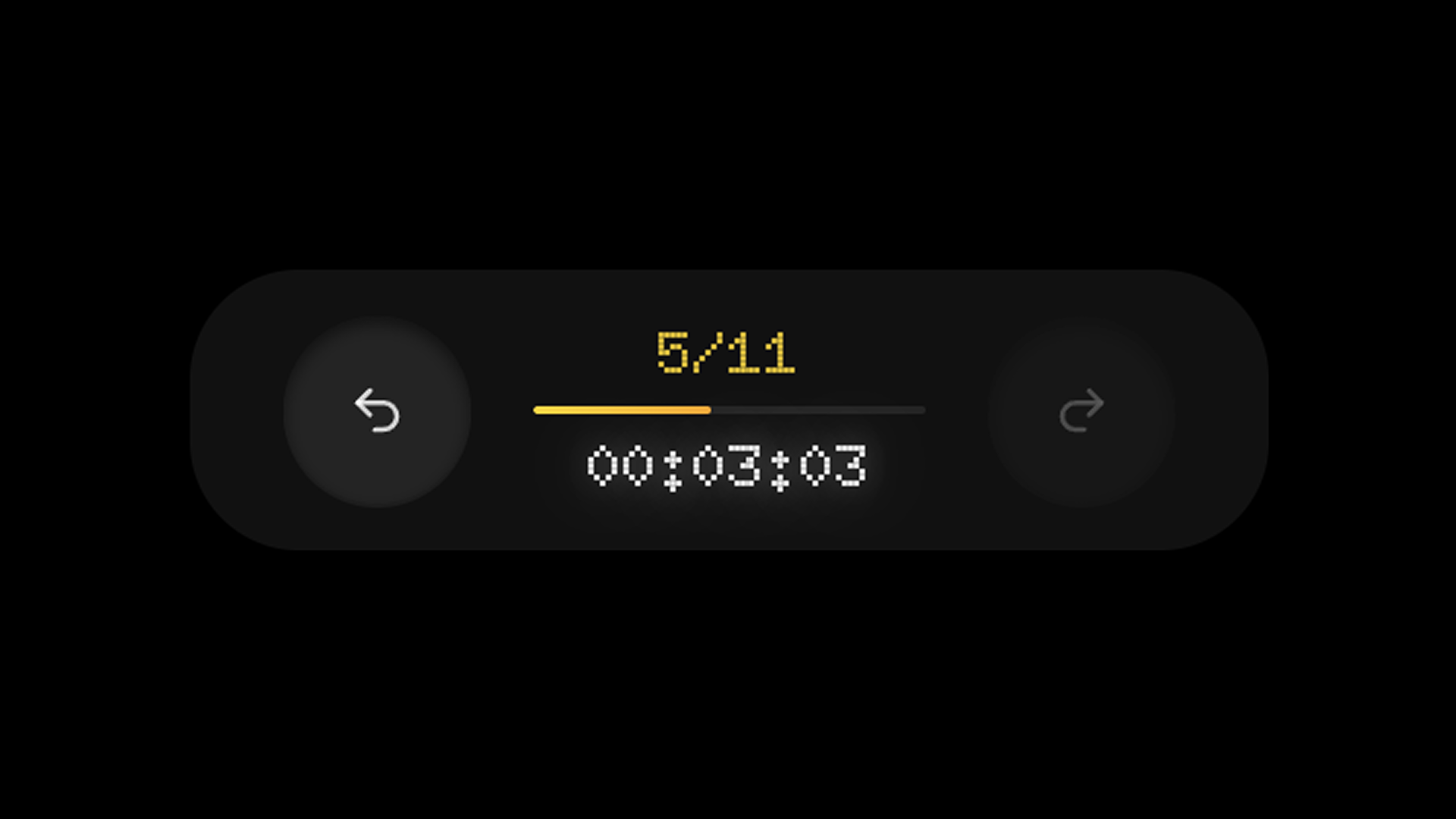
Bottom dock with three elements: undo, progress, redo. Progress counter uses Doto (a dot-matrix Google Font) with a gradient fill bar underneath. Timer starts on first interaction — no start screen.
Undo/redo stores full state snapshots (position, rotation, group membership for every fragment). Limit 50. Vectors and sets are deep-cloned to isolate snapshots from mutable scene state.
Result
Working prototype, deployed on Vercel. End-to-end: photogrammetry scan → Blender fragmentation → GLB export → React Three Fiber runtime → deployment. Solo — no designer-to-developer handoff because there was no split. Prototyped with AI code tools (Windsurf, Claude Code), finished manually where they broke.
More case studies
ReMargin
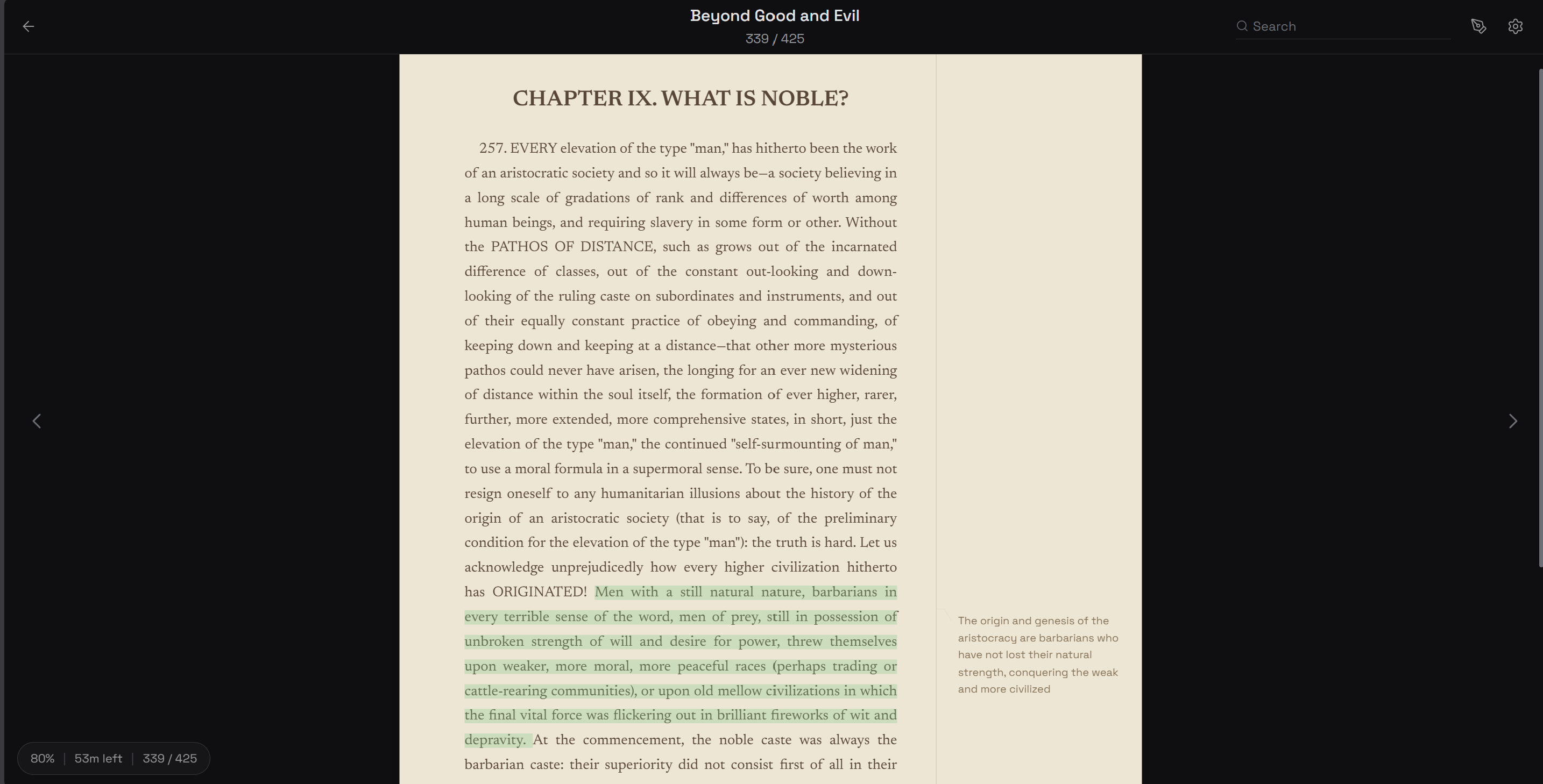
I wanted a reader where annotations matter as much as the text. Built one.
Push Notifications
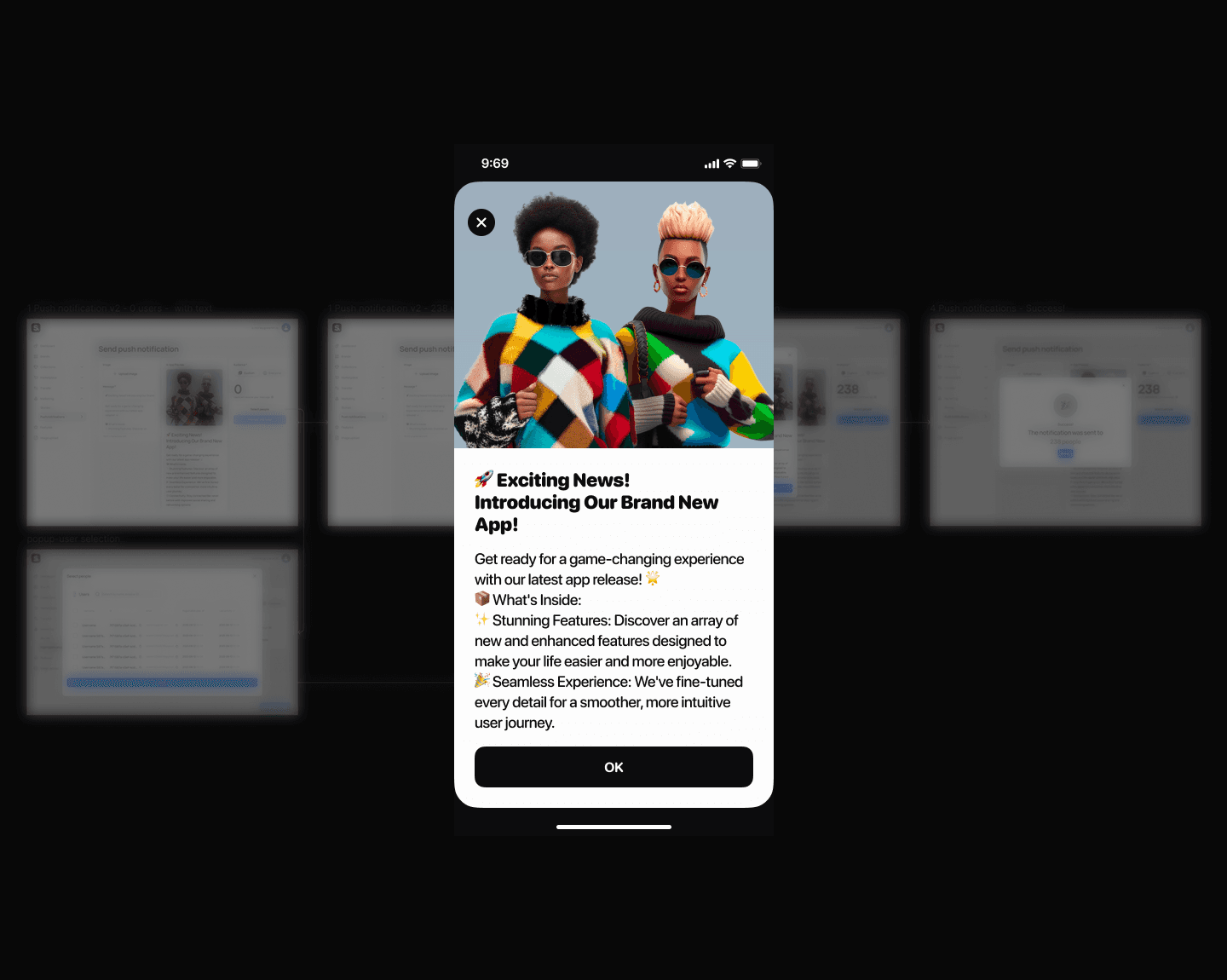
How to kill the send button nobody wanted to press
Stories Editor
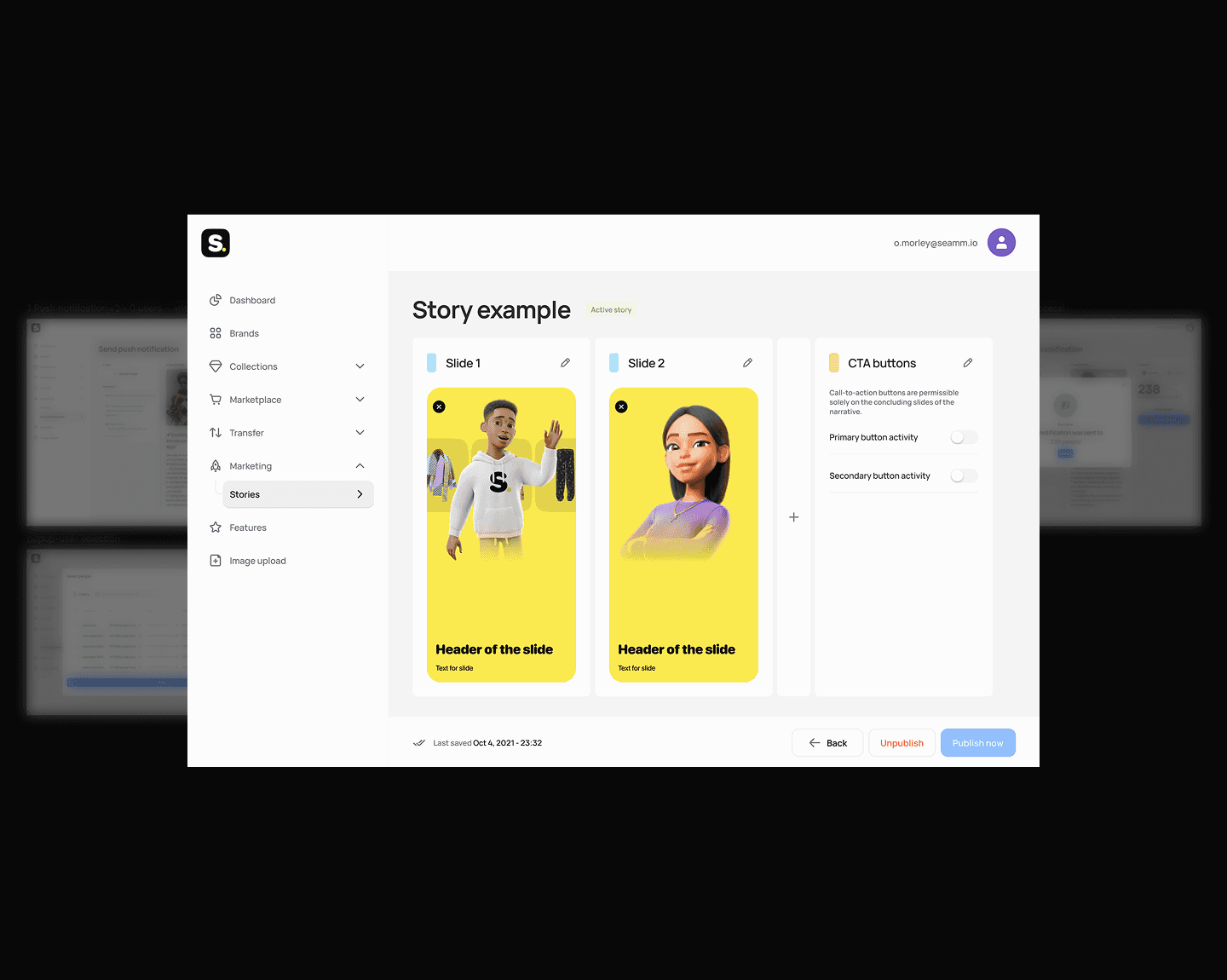
How I eliminated a 2-day content publishing bottleneck
Educational Platform Redesign
Users couldn’t explain what a single menu item meant
My Sleeping Gypsy
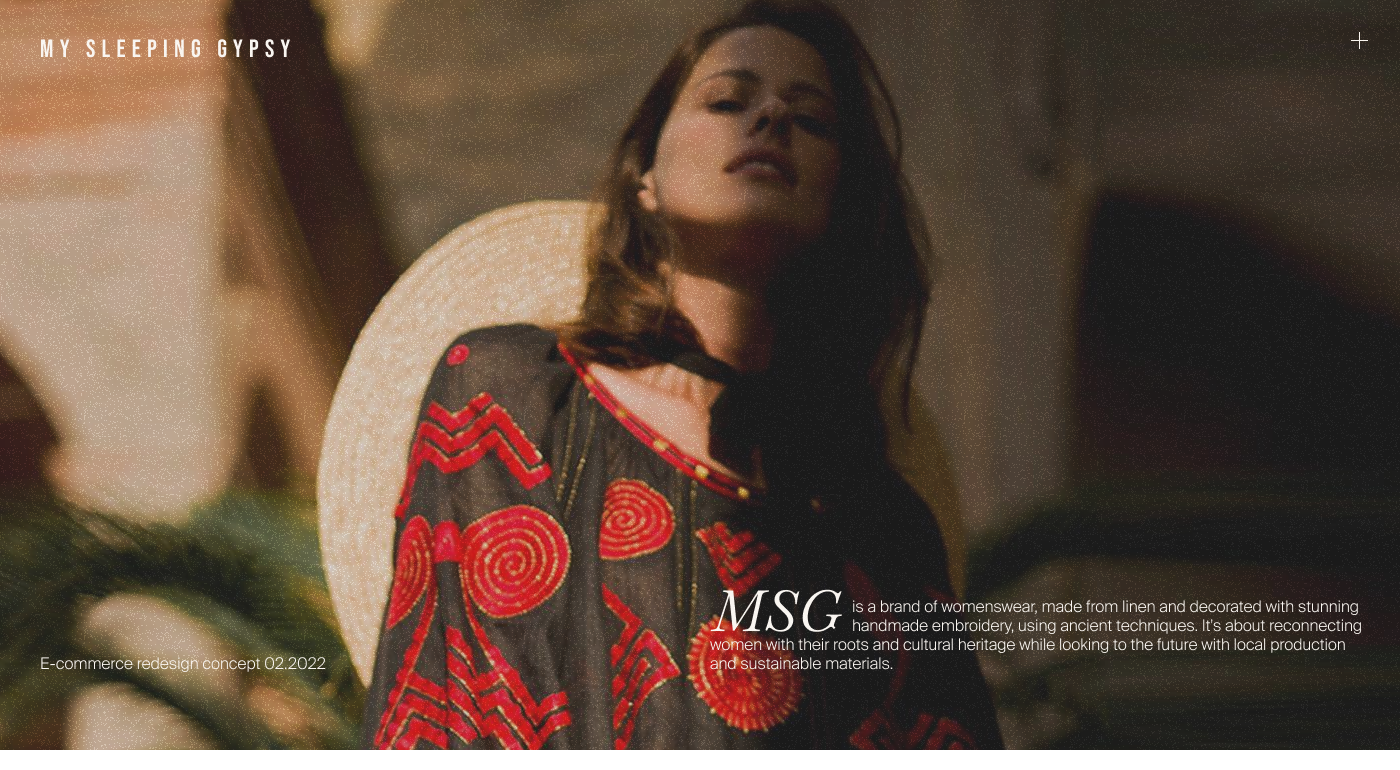
How to sell heritage craftsmanship without looking like fast fashion
Multi-Agent AI Workflow
I built a 10× prototyping workflow using AI agents — and what it taught me about product design